

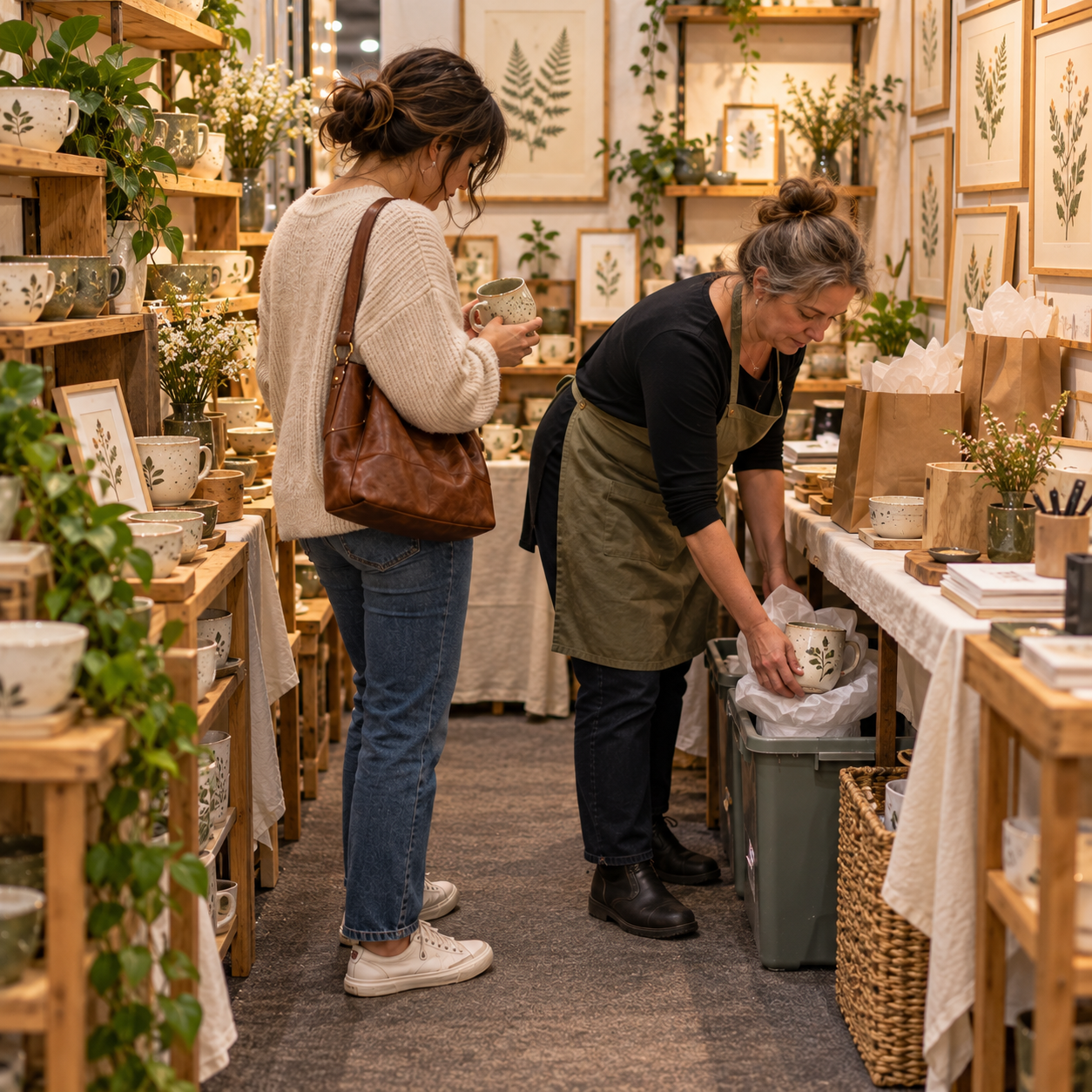
When Your Booth Feels Too Crowded No Matter What You Do
You’ve moved the tables, taken products off the display, and tucked supplies out of sight. Yet the booth still feels crowded.
Maybe there’s too much competing for attention. Maybe shoppers have little room to browse together. Or perhaps the display looks fine from the aisle, but you’re squeezing around boxes every time you need a bag or more stock.
Those are different space problems—and making room in one place can create a squeeze somewhere else.
Before rearranging again, ask: is your booth crowded to look at, crowded to shop, or crowded to work?
What kind of crowded are you dealing with?
A booth can feel crowded in more than one way. Separating what competes for attention from what competes for space helps you decide where to look first.
Crowded to look at
Products, signs, props, and display heights can compete until it’s difficult to distinguish one group from another—even when there’s room to move.
A clue: From the aisle, you struggle to tell what stands out or where one product group ends.
Look first: Which signs, decorations, or displays compete with the products you want shoppers to notice?
Crowded to shop
A layout may fit the booth’s footprint but leave little room for people to browse, reach, or pass one another.
A clue: One person browsing prevents another from reaching a display, or shoppers repeatedly step aside to let someone through.
Look first: What space remains around your displays when people are using them?
Crowded to work
Backup stock, packaging, checkout supplies, and personal belongings all need space. When their locations are awkward, ordinary tasks can spill into browsing areas.
A clue: Getting a bag or restocking a shelf means moving a box, squeezing behind furniture, or asking a shopper to step aside.
Look first: Where do you stand, reach, and move while selling—and what shares that space?
These kinds of crowding can overlap.
A stock bin may restrict both your workspace and a shopper’s access. A large fixture may take up floor space and hide another display.
Sometimes the amount of merchandise or the size of the furniture really is more than the space can comfortably accommodate. The useful starting point is identifying where the squeeze happens.
Check the view and the working space.
Your booth can look different from the aisle than it feels while you’re running it. A photo and a rough sketch give you two useful views to compare.
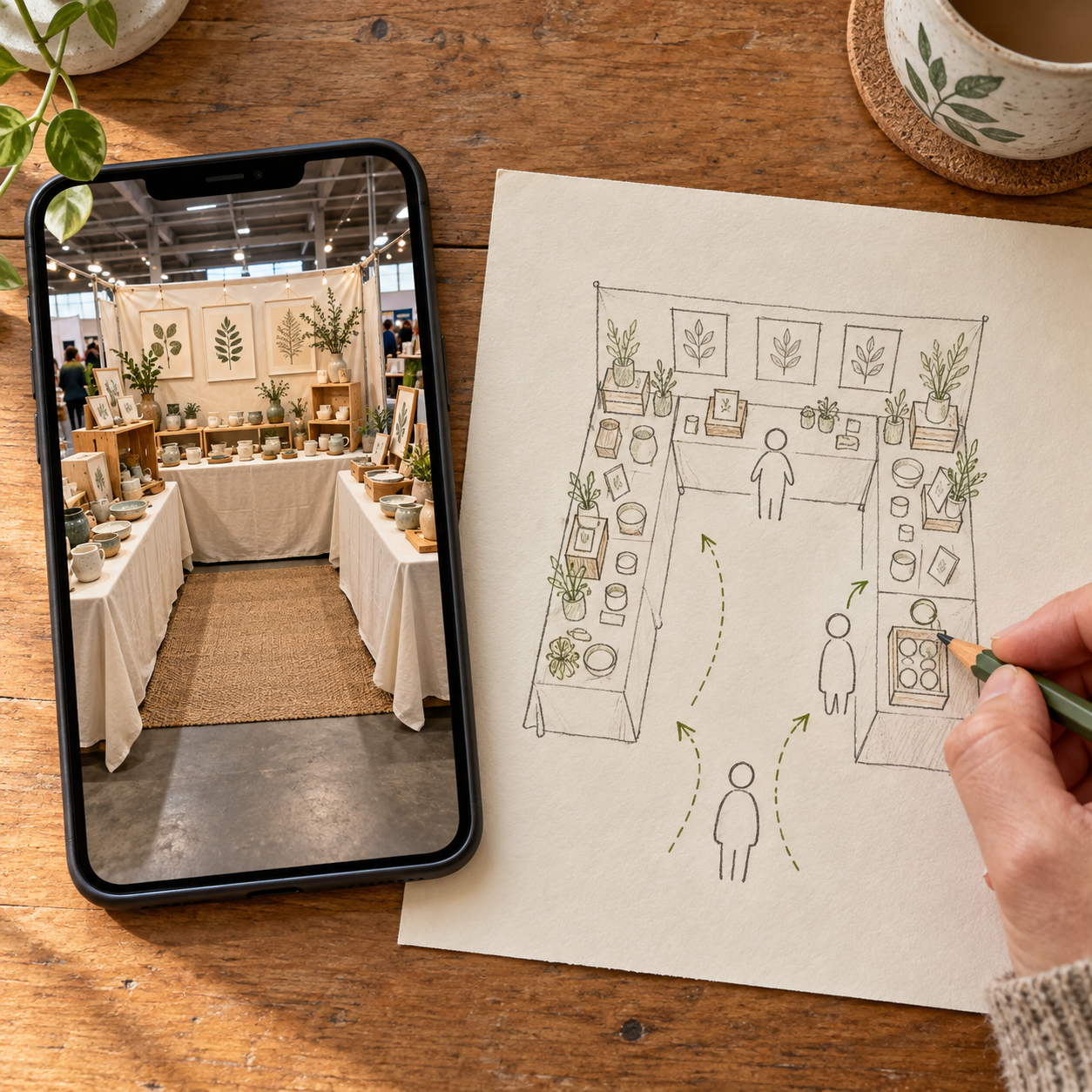
Before opening: take an aisle photo.
Stand where shoppers would first see your booth and take one photo that includes the entrance and main displays.
Look at it briefly, then ask:
What are the first three things my eye goes to?
Can I distinguish the products from the props?
Can I see where to approach or enter?
Which signs or displays compete for the same attention?
The photo helps you examine what’s visible. It won’t tell you whether people can comfortably browse together or whether you can reach your supplies.
Before opening: sketch the working space.
Draw a simple outline of your booth and mark the tables, shelves, and entrance. Add the things that don’t always appear in a display plan: checkout, packaging, backup stock, your chair, and personal belongings.
Then mark where someone would stand to browse—and where you would stand to wrap a purchase or restock.
Does the same patch of floor need to do two jobs at once?
A stock bin might fit beneath a table, for example, but opening it and lifting products out could put you directly in front of a display.
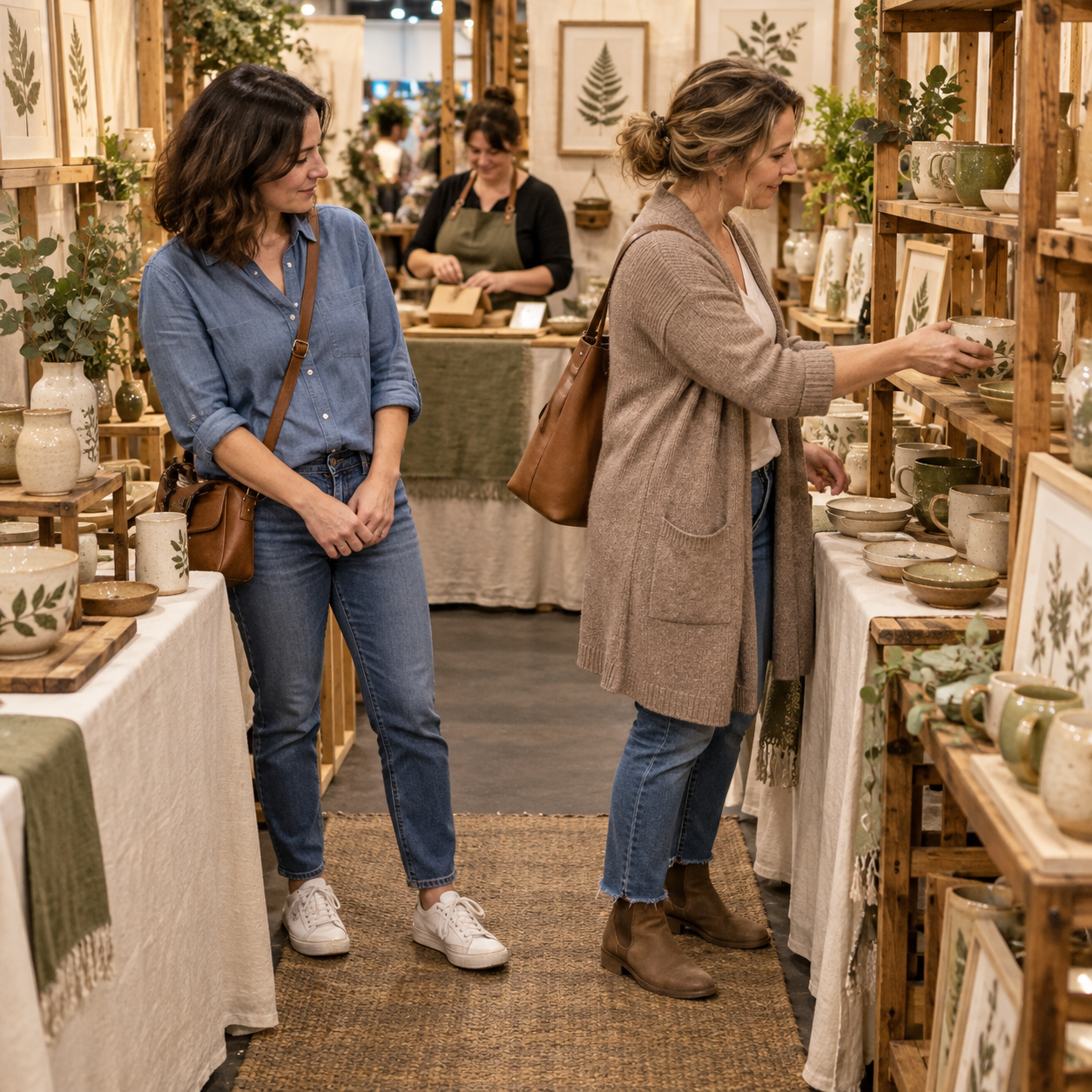
During the show: notice what the drawing missed.
As you work, notice when someone needs to wait, step aside, or move something to complete an ordinary task. What changes when a second shopper arrives? Can you get a bag or replenish stock while someone browses nearby?
A shopper’s pause can have other explanations, so look for the specific interaction with the space rather than assuming hesitation means crowding.
Afterward: add a few notes.
Mark the places where space felt tight and write down what was happening there. Keep it concrete: “I stood in front of the bowls while opening the restock bin” tells you more than “the booth felt cramped.”
Your photo and annotated sketch can help you identify whether the main difficulty was looking, shopping, working—or a combination. One show gives you information to plan from, rather than a final verdict on the whole booth.
Decide what needs room at your next setup.
Your photo and sketch may point to different kinds of crowding. These two examples show how that can lead to different planning decisions.
When the display competes with itself
Another vendor has room for shoppers to move, but the booth still looks crowded. An aisle photo shows a large decorative sign, several small message signs, two plants, and three product groups displayed at similar heights.
The vendor’s eye moves between the signs and props, while the differences between the product groups are harder to see. Moving a table may change the footprint without addressing that visual competition.
For the next setup, the vendor could keep one main message, place product information beside the items it describes, and leave out a decorative prop. Grouping related products with some separation would give each collection a clearer place in the display.
Planning decision: Assign a purpose to each sign and prop, and plan which product group should receive attention first.
When working space overlaps shopping space
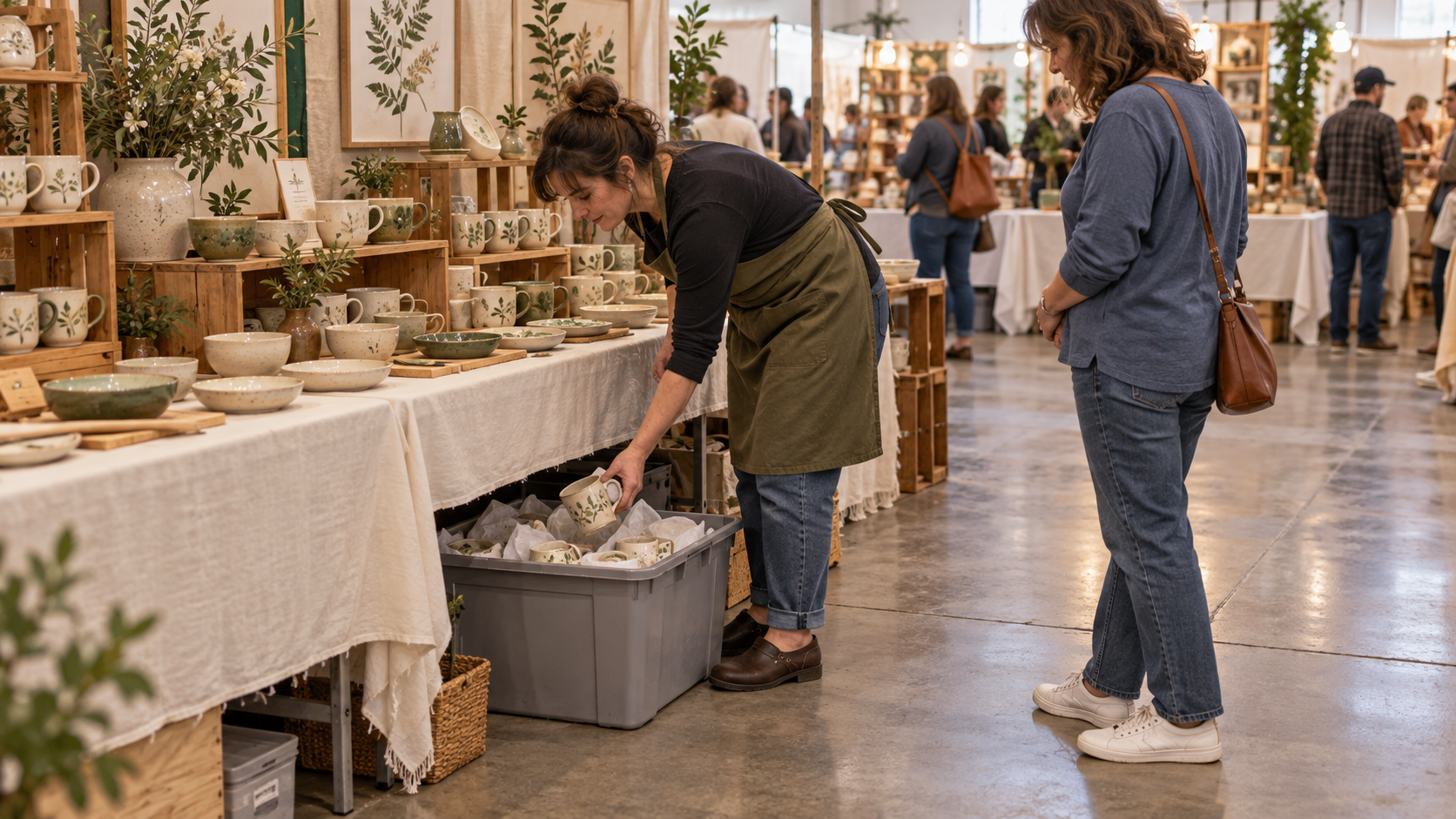
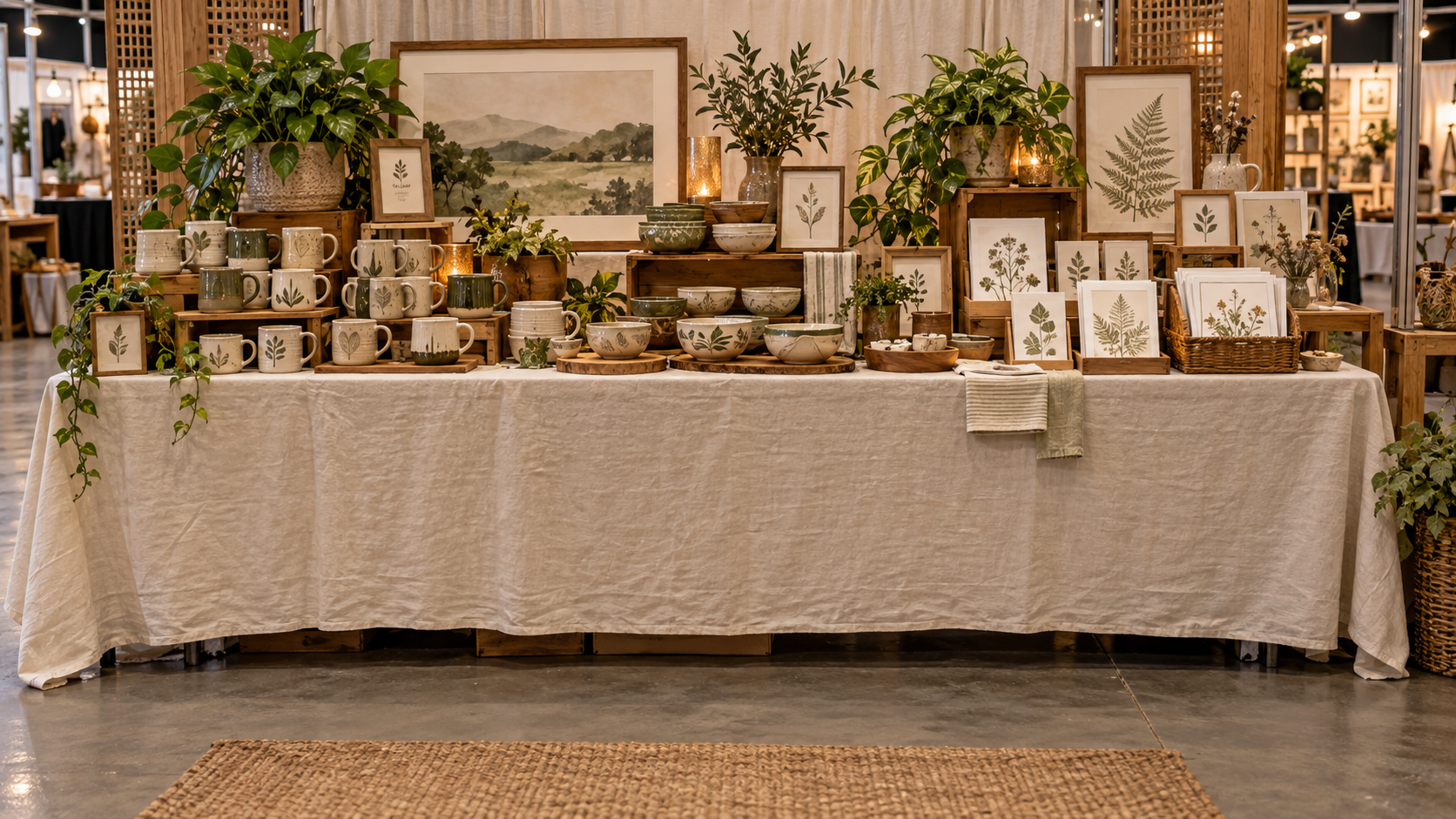
A vendor keeps backup mugs in a bin beneath the front display. The bin fits, and it’s hidden by the tablecloth. Before opening, the arrangement looks tidy.
During the show, getting into it means pulling the bin forward and standing where customers browse the bowls. A shopper steps aside while the vendor restocks. Later, the same thing happens again.
The difficulty is the space needed to use the bin—not simply where it sits when closed.
For the next setup, the vendor could plan a smaller supply of frequently needed mugs within reach of the checkout workspace, with the remaining stock stored separately. That plan needs to account for opening containers, lifting products out, and replenishing the smaller supply.
Planning decision: Give restocking a working space that preserves access to the display.
You can make the same kind of decision from your own photo and notes: identify whether the squeeze is in looking, shopping, or working, then choose one thing to plan differently.
The next task is fitting that decision into the rest of your booth.
Plan room for shoppers—and room to work.
Your photo and sketch give you a starting point. Carrying that decision into the next setup means accounting for the displays, supplies, and everyday tasks that share your space.
The Craft Booth Planning Workbook helps you work through those details before setup day.
In the restocking example, the Display Placement Worksheet gives you places to plan the merchandise, checkout, packaging, and storage together. You can consider where you’ll stand to retrieve stock alongside where shoppers will browse.
The Inventory Placement Plan takes that decision further: which products stay on display, where backup stock will live, and how you’ll access it during the show. Design a Layout That Works adds prompts for the entrance, shopper movement, checkout access, and room to restock.
For visual crowding, the workbook also includes Focal Point Planning and a Booth Visibility Review to help you consider what should stand out and what competes with it.
You can start with the pages that address the difficulty you found. Together, they help you turn “I need more room” into a plan for what goes where—and how that space will be used.
36-page printable PDF • Digital download